
What a wake window is
Between one sleep and the next, most babies can stay comfortably awake for a length of time that grows with age — short for newborns, longer by the first birthday. The idea behind wake windows is to start the wind-down before the baby is overtired, which tends to make settling harder.
The ranges are general. Your baby is the authority; sleepy cues — rubbing eyes, staring, fussing — beat the clock.
How EasyPeasyBaby uses them
The app applies a simplified, age-based window — roughly 75 minutes under three months, about two hours from three to six months, about two and a half hours from six to twelve months, and about three hours after that — and counts from the end of your last logged sleep. As the window closes, a banner appears on Home; with Reminders on, you also get a Nap soon notification about ten minutes before and a Nap time notification when the window is reached.
- Nothing to configure: birth date plus last sleep end
- Banner on Home, optional notifications
- Alerts are prompts to look for cues, not orders
Not medical advice
Wake windows in the app are general conveniences, not a sleep plan. If you have concerns about your baby’s sleep, talk to your pediatrician.
Steps
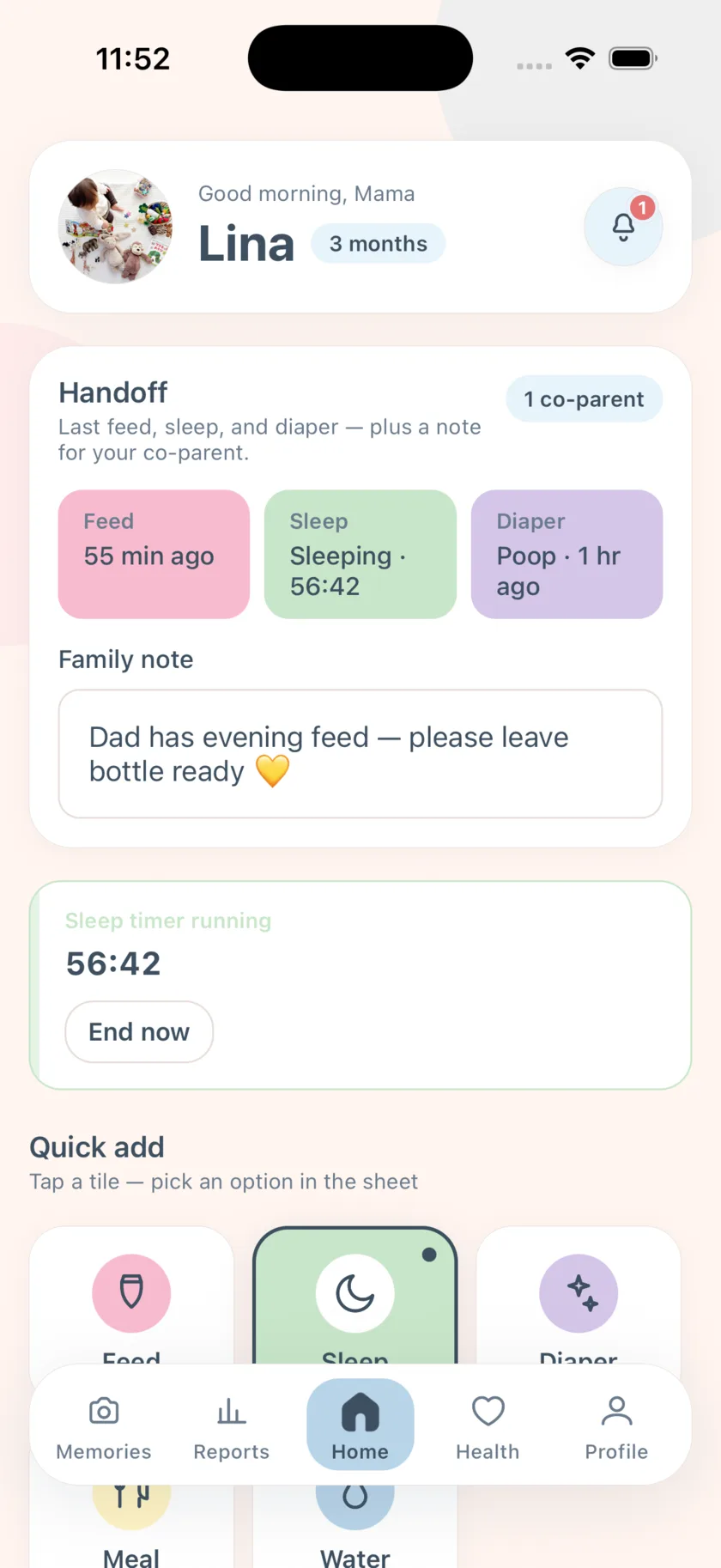
The routine is: end the sleep timer, watch for the heads-up, look at the baby.
- End sleep when your baby wakes
Tap Sleep → End now (or use the widget). The wake-window countdown starts from this moment, so an accurate end time matters more than an accurate start.
- Turn on nap reminders
Profile → Settings → Reminders. Leave Nap soon and Nap time on; turn off anything you do not want.
- Watch the Home banner
When the window is nearly up, the banner says a nap is coming; when it is reached, the banner changes to nap time.
- Look at the baby, not the clock
Treat the alert as a cue to check for sleepy signs. If they are clearly wide awake and happy, wait; if they are rubbing their eyes early, do not wait for the alert.
- Start the sleep timer when they are down
Tap Sleep. When they wake, end it — and the next window begins.
- Check nap lengths in Reports
Weekly sleep hours per day show whether naps are trending shorter or longer, which is more useful than any single day.
Frequently asked questions
Can I change the wake window length?
The window is derived from age and is not user-editable in the app today.
What if my baby’s naps do not match the window?
That is normal. Use the alert as a prompt and follow cues. If you are concerned, speak to your pediatrician.
EasyPeasyBaby is a care log for parents, not a medical device. Wake windows, reminder intervals, and reports are general conveniences based on what you log — not medical advice. Talk to your pediatrician about your baby’s feeding, sleep, and growth.